NOB IPTV Android (Mobile & Tablet) Setup Guide
Easily configure your NOB IPTV subscription on any Android mobile phone or tablet using a supported media player from the Google Play Store.
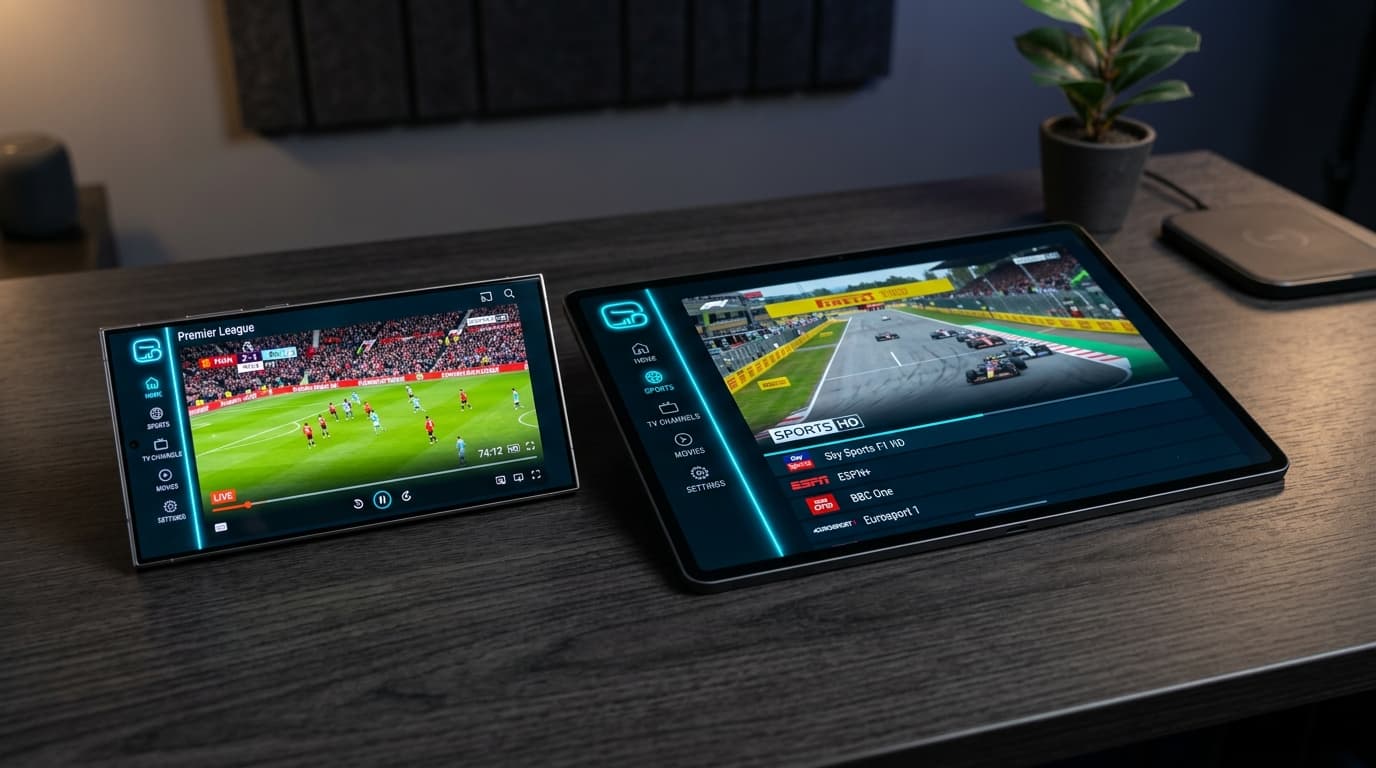
High-Speed HD & 4K IPTV Streaming on Android (Mobile & Tablet)
Before You Start
Ensure you have the following prerequisites ready before starting your NOB IPTV configuration:
Your NOB IPTV credentials or M3U playlist link received via email
Android smartphone or tablet running Android 7.0 (Nougat) or newer
Wi-Fi or cellular connection of at least 15 Mbps for smooth HD streaming
Supported media player app downloaded from the Google Play Store
Install the Required Application
Open the Google Play Store on your Android phone or tablet. Search for a supported IPTV player and tap 'Install'.
- Open Google Play Store on your Android phone or tablet.
- Search for a supported IPTV media player application.
- Tap 'Install' and wait for the download to finish.
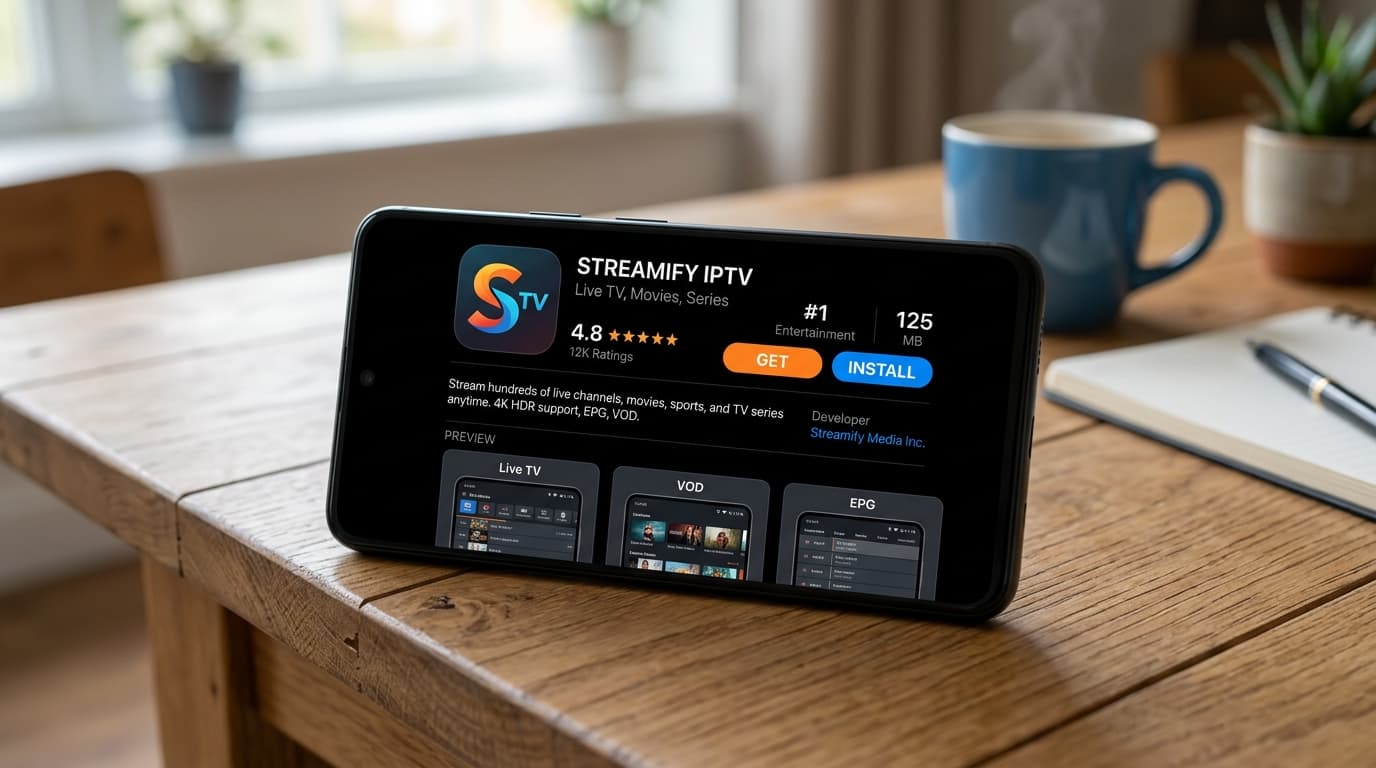
Google Play Store app page showing the player install button.
Open the Application
Launch the application from your home screen or app drawer. Grant standard storage/network access permissions when prompted.
- Tap on the application icon to launch.
- Accept permissions to allow the app to cache stream data.
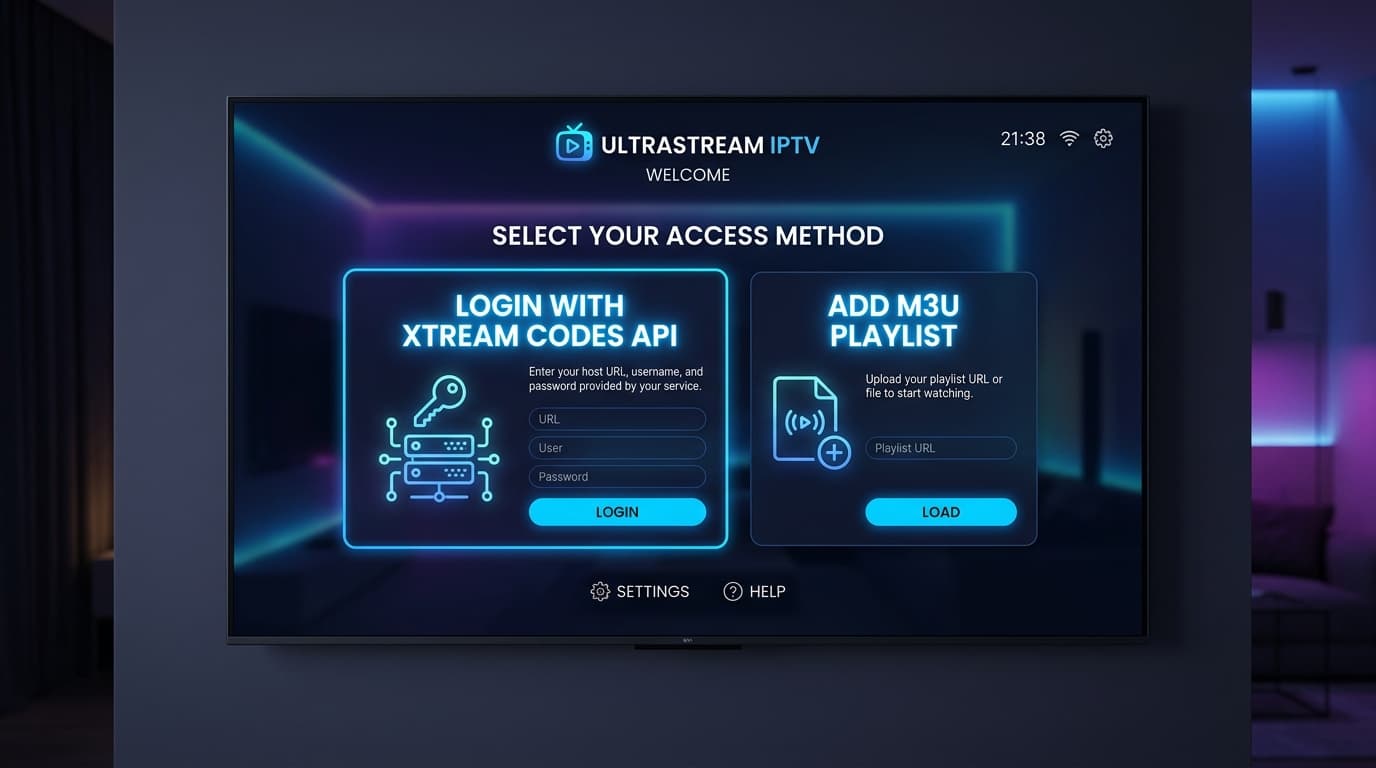
Mobile app welcome screen with 'Add Playlist' or 'Login' buttons.
Enter the Information Supplied After Purchase
Choose 'Login with Xtream Codes API' or 'Add M3U URL'. Copy and paste the credentials provided in your NOB IPTV confirmation email.
- Enter 'NOB IPTV' as the playlist nickname.
- Paste your username, password, and server URL carefully.
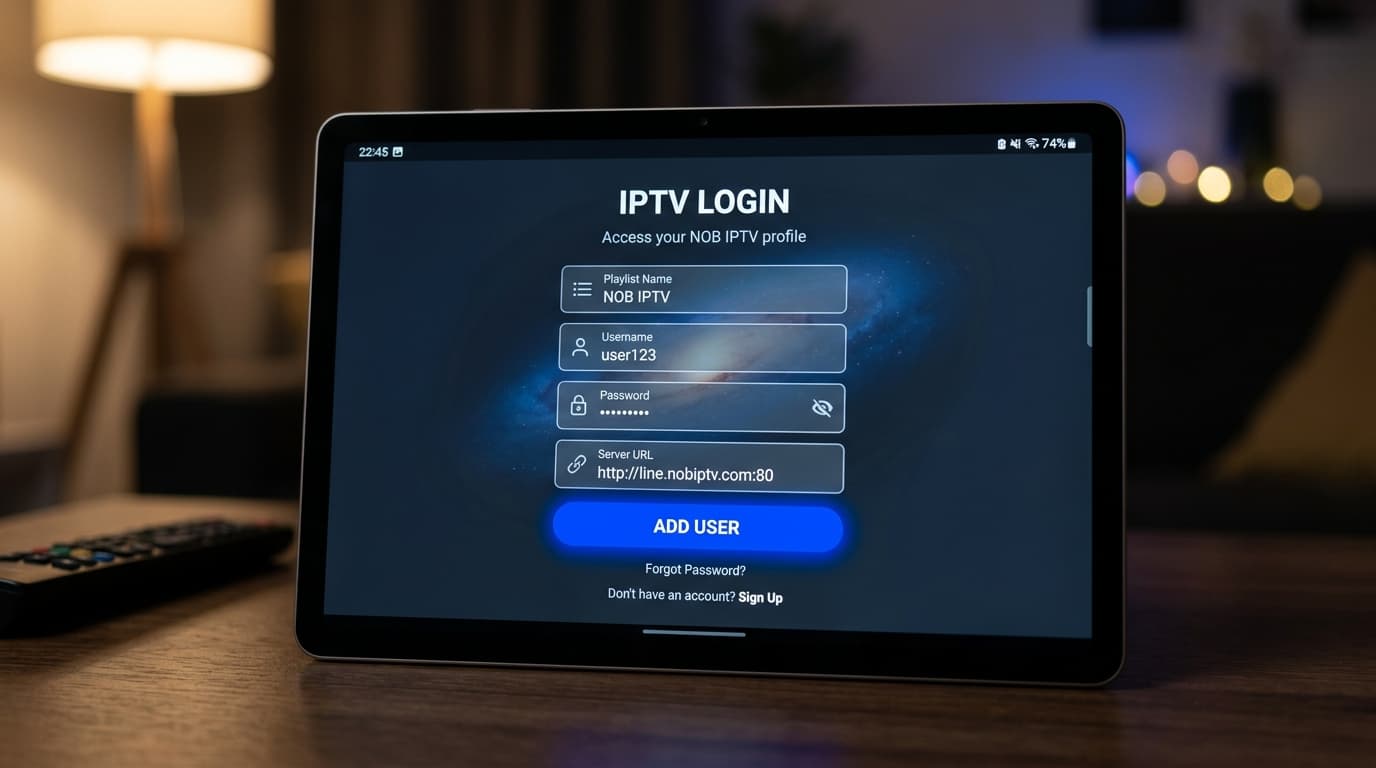
Mobile login form with fields for Username, Password, and Server URL.
Complete Configuration
Tap 'Submit' or 'Add User'. The app will connect to NOB IPTV servers and download channel lists, VOD directories, and program schedules.
- Wait for the sync progress to complete.
- Optionally enable dark mode or favorite channel lists.
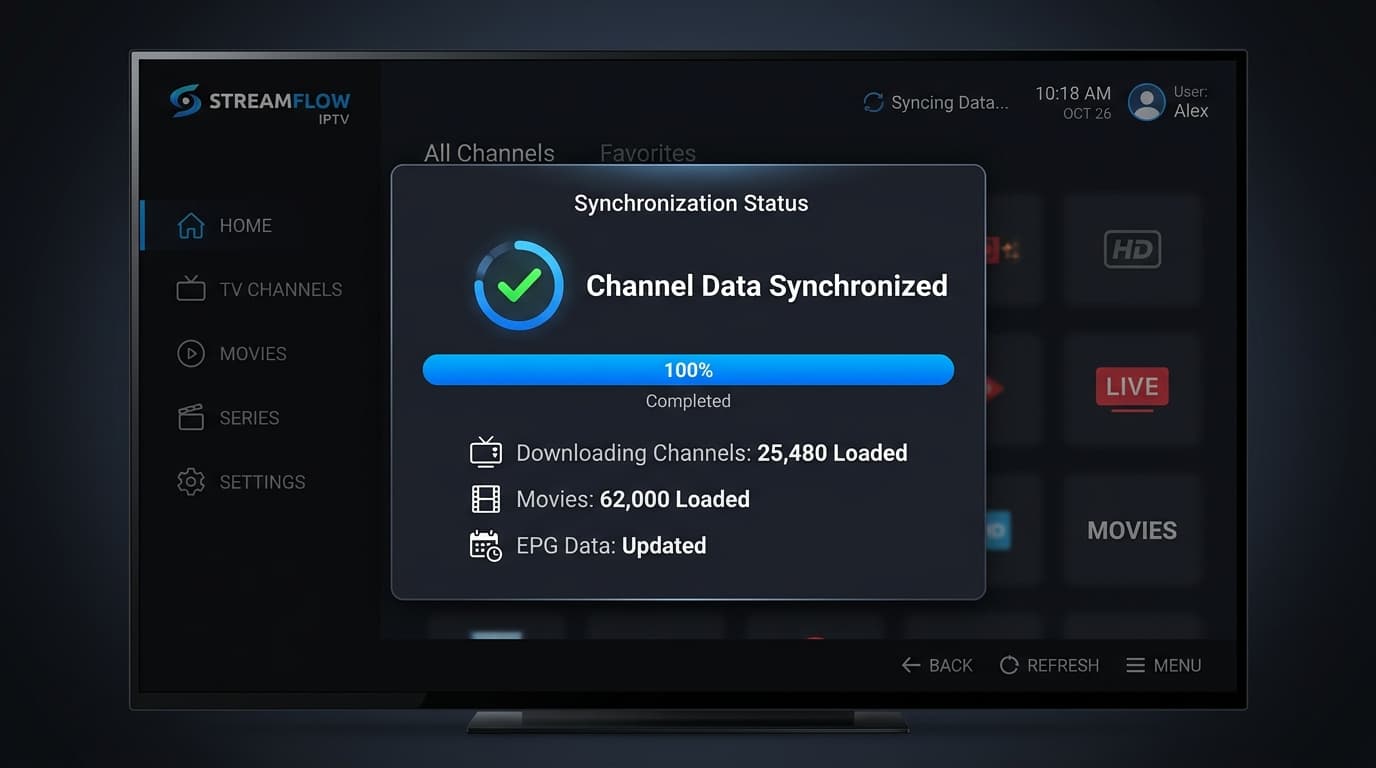
Mobile sync status bar showing channels loaded successfully.
Start Using the Service
Tap any authorized channel or on-demand title to begin playback. Use the intuitive touch controls to adjust volume, brightness, or aspect ratio.
- Select Live TV or On-Demand from the bottom navigation.
- Tap any stream to watch with full touch player controls.
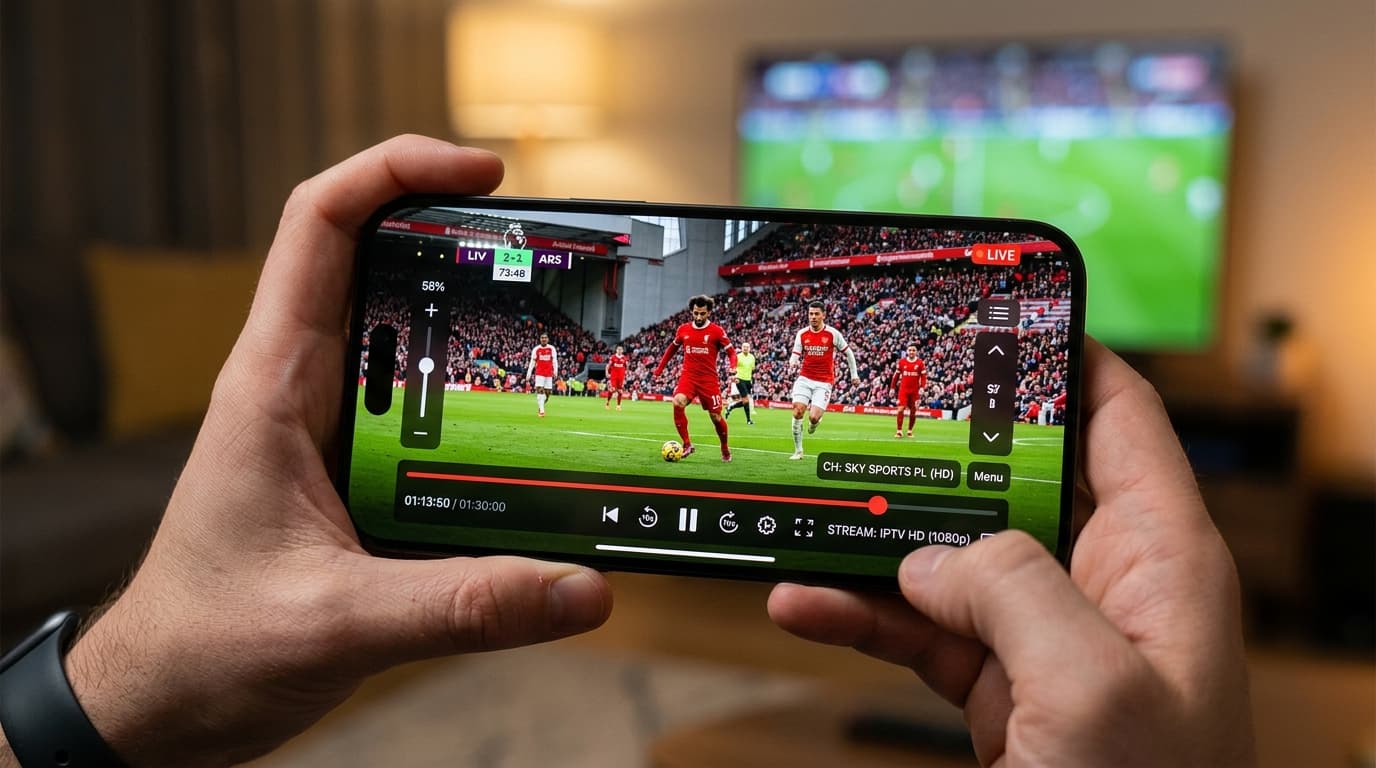
Mobile player interface in landscape mode with on-screen playback controls.
Need Help with Android (Mobile & Tablet) Setup?
Our support team is ready to guide you through any configuration questions or technical issues.